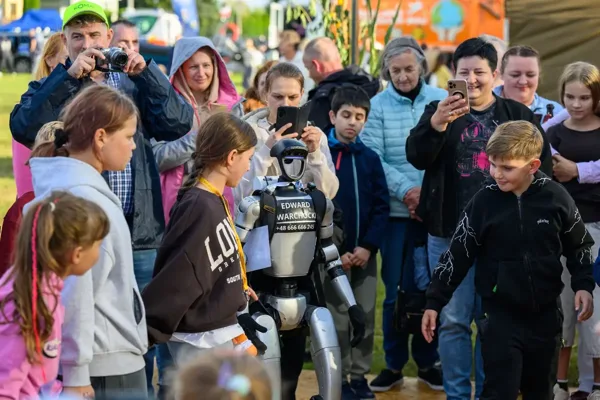
You can rent a humanoid robot for an event through an app in a few steps: choose the event type, city and date, compare robots with the price and availability shown for each day, then send a booking request or hold the date. The provider confirms availability, sends the contract and invoice, and the robot arrives with an operator.
Contents
Can you rent a humanoid robot through an app?What should you prepare before booking a robot?How does renting a robot through an app work, step by step?How do you read a robot's price in the calendar?What is the difference between holding a date and booking it?How long does confirmation take and how do you pay for the robot?How do you prepare the robot to talk to guests?Which questions should you ask before renting a robot through an app?Can you rent a humanoid robot through an app?
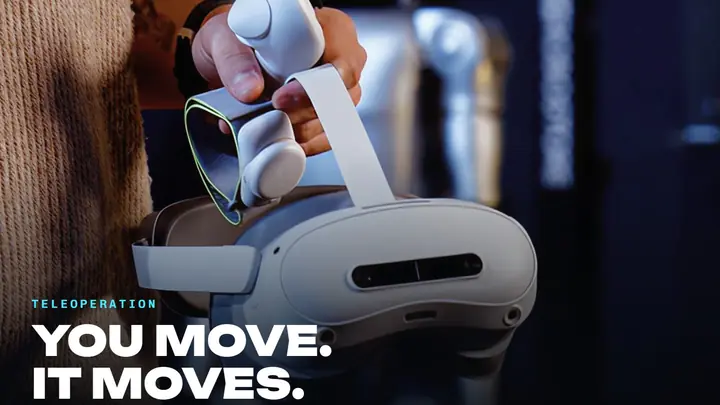
Yes. Renting a humanoid robot through an app works much like booking a venue or a hotel room: you pick a date in a calendar, see whether the robot is free and send a request without phone calls or several rounds of email. The difference is that you are not renting bare hardware. The robot arrives with an operator who sets it up on site, keeps guests safe and can stop it at any moment.
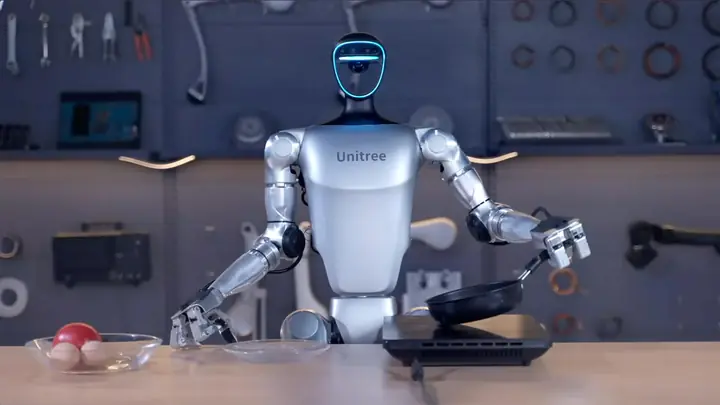
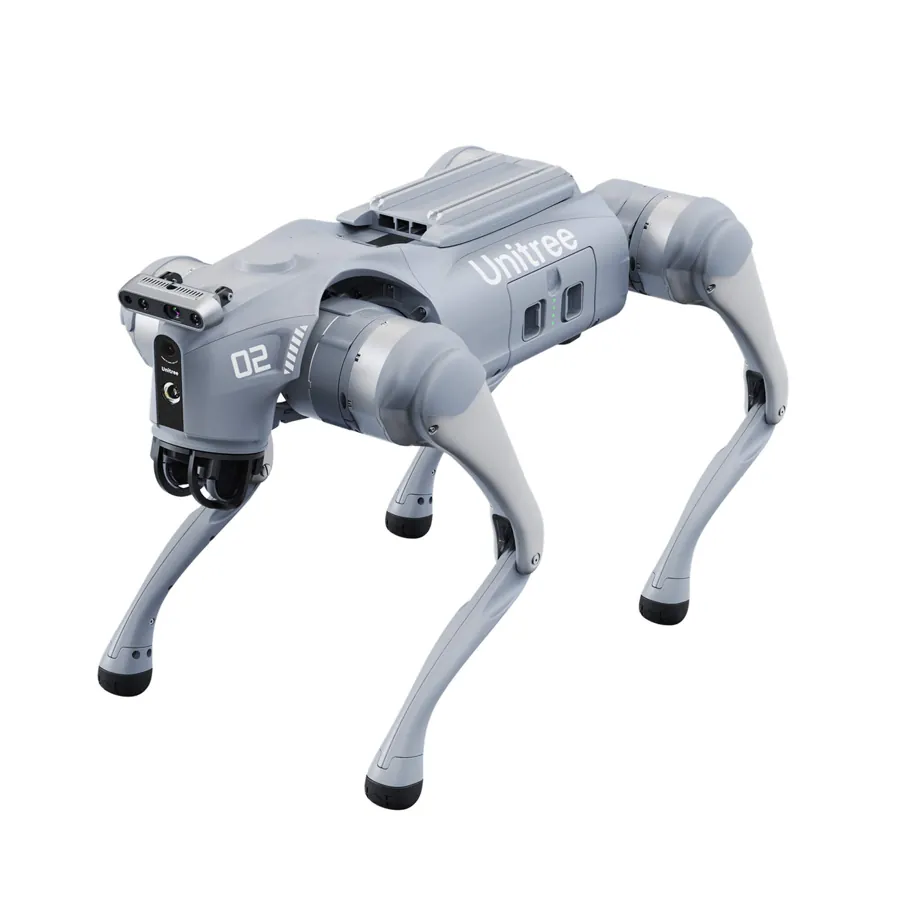
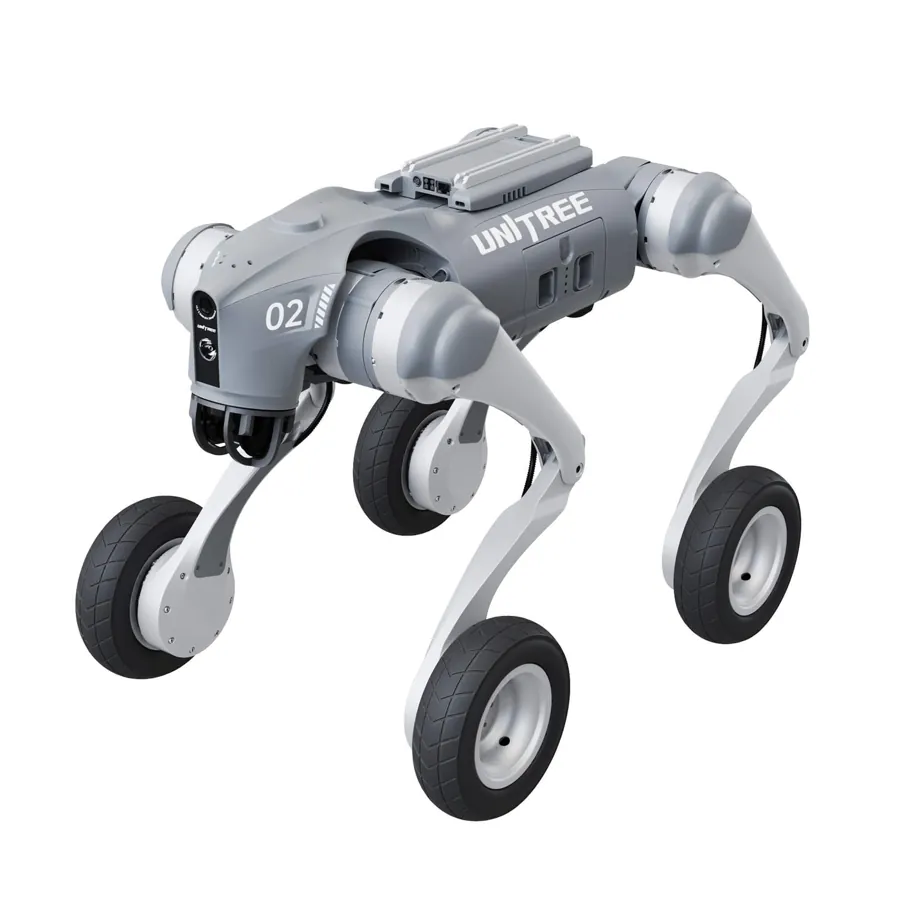
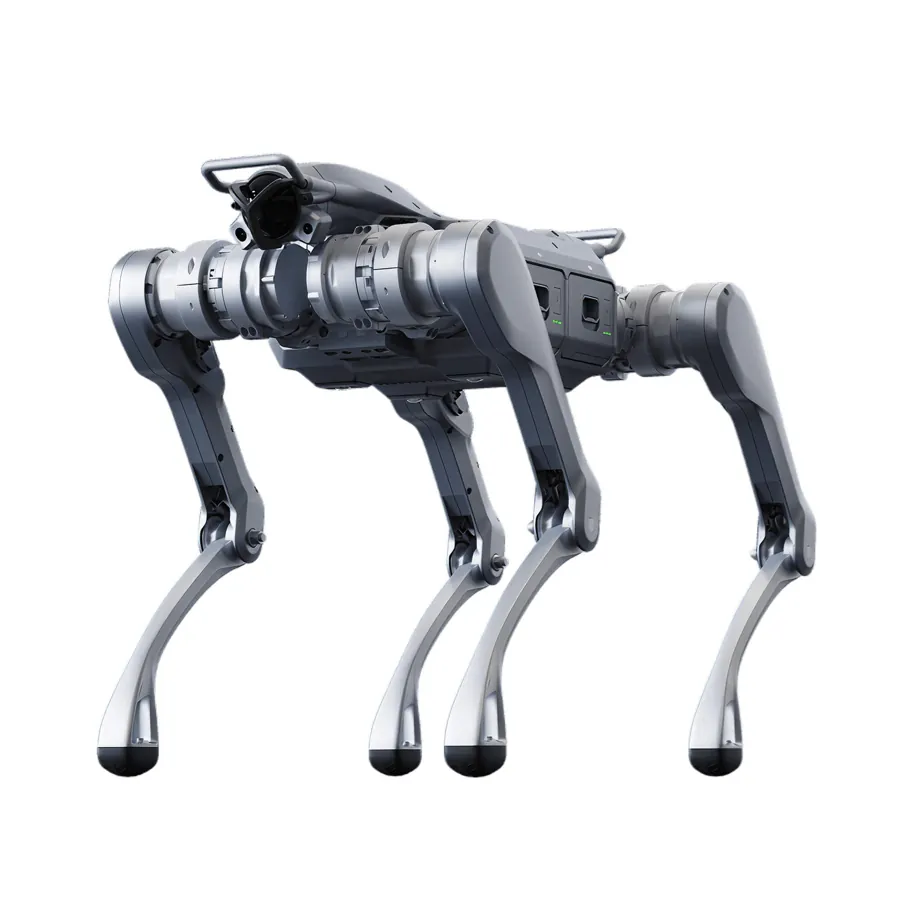
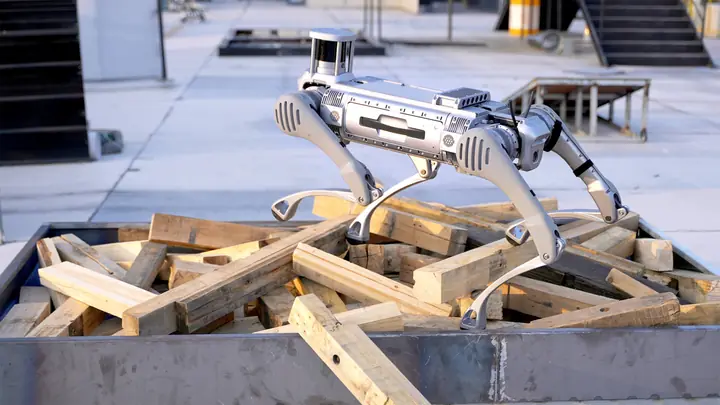
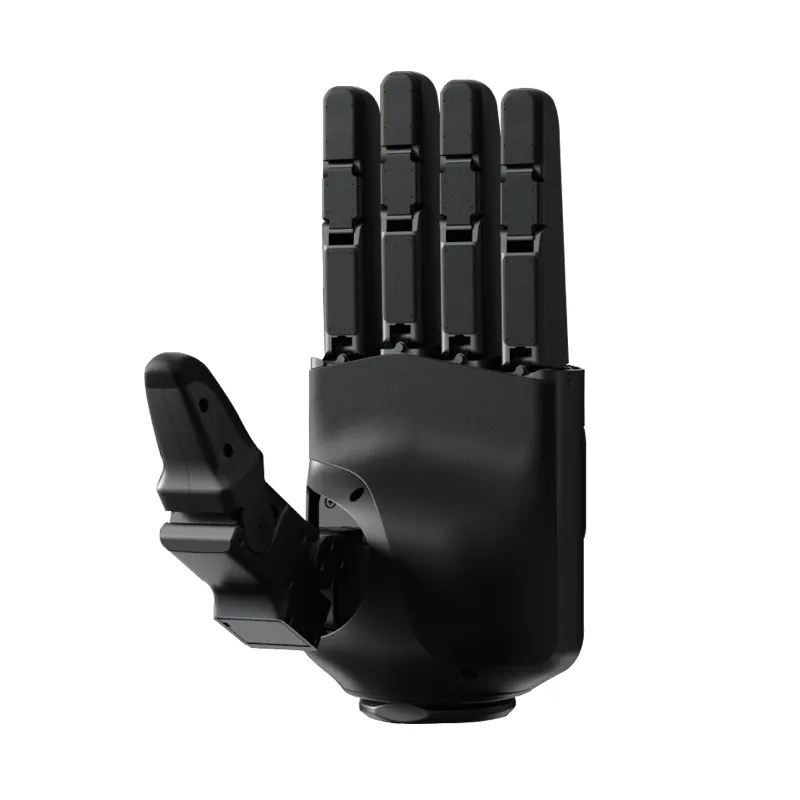
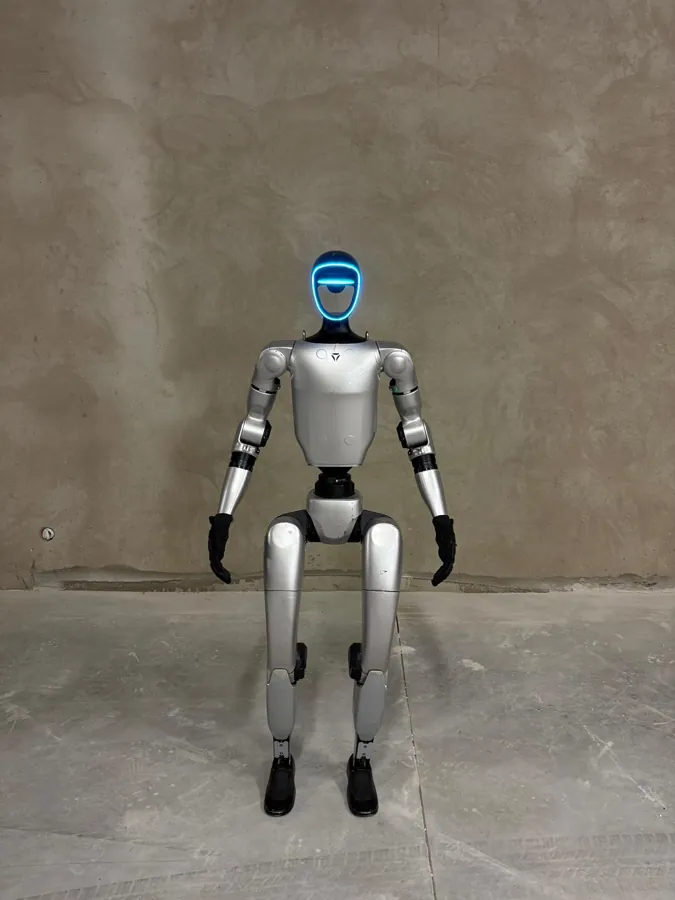
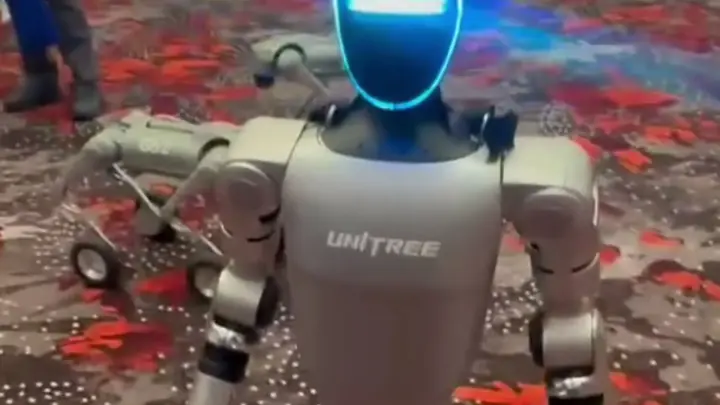
One example of such an app is MERA RENT from MERA ROBOTICS sp. z o.o. It runs in the browser, has iOS and Android versions and is available in 24 languages. It lets you rent the Unitree G1 and Unitree H2 humanoid robots, the Unitree Go2 robot dog and Edward Warchocki, who is priced individually.
What should you prepare before booking a robot?
Before you open the calendar, gather a few details. They shorten the booking and help match the robot to the event:
- event type: conference, trade fair, gala, company party, store opening, city event, birthday or wedding,
- city and venue, including whether the robot will work indoors or outdoors,
- the date, or several possible dates if the venue is not confirmed yet,
- working time: a short stage appearance, a few hours at a stand or a full day,
- the robot's job: welcoming guests, introducing programme items, talking to visitors at a stand, photos with guests,
- guests' languages, especially at international events,
- on-site conditions: a power socket, some free space around the robot, Wi-Fi or mobile coverage.
The more precisely you describe the event, the fewer questions you will get after sending the request.

How does renting a robot through an app work, step by step?
- Choose the event, city and date. Select one day or several days in the calendar. The MERA RENT calendar goes 24 months ahead, because large events are planned well in advance.
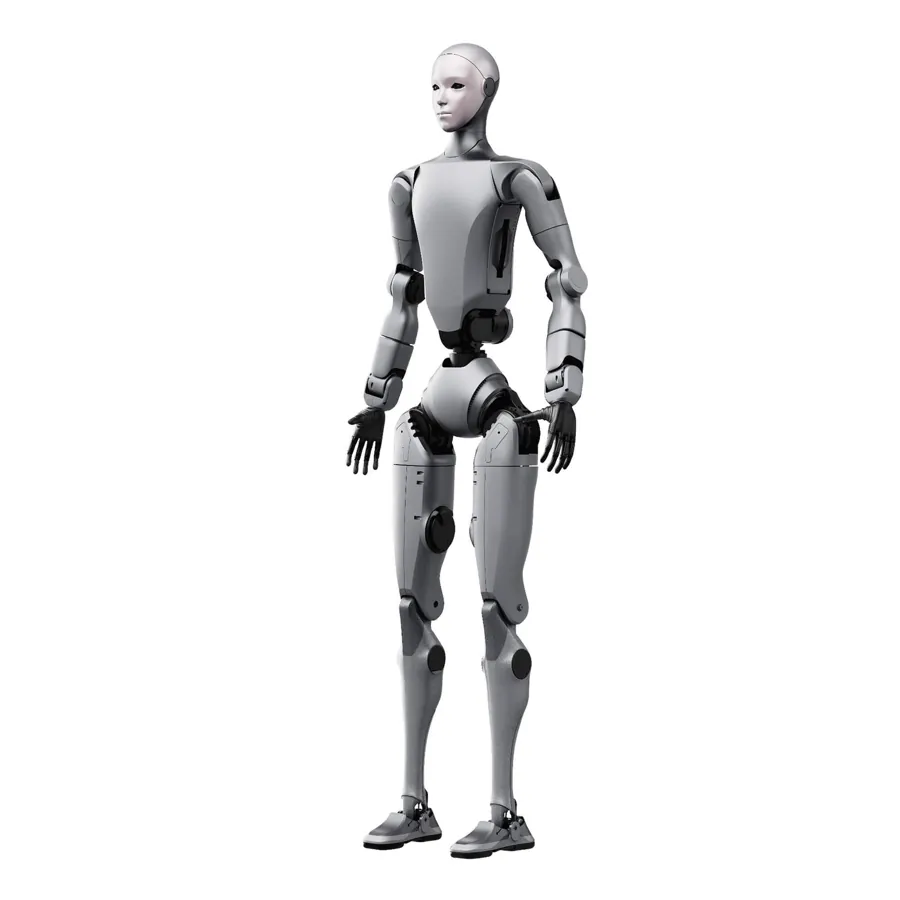
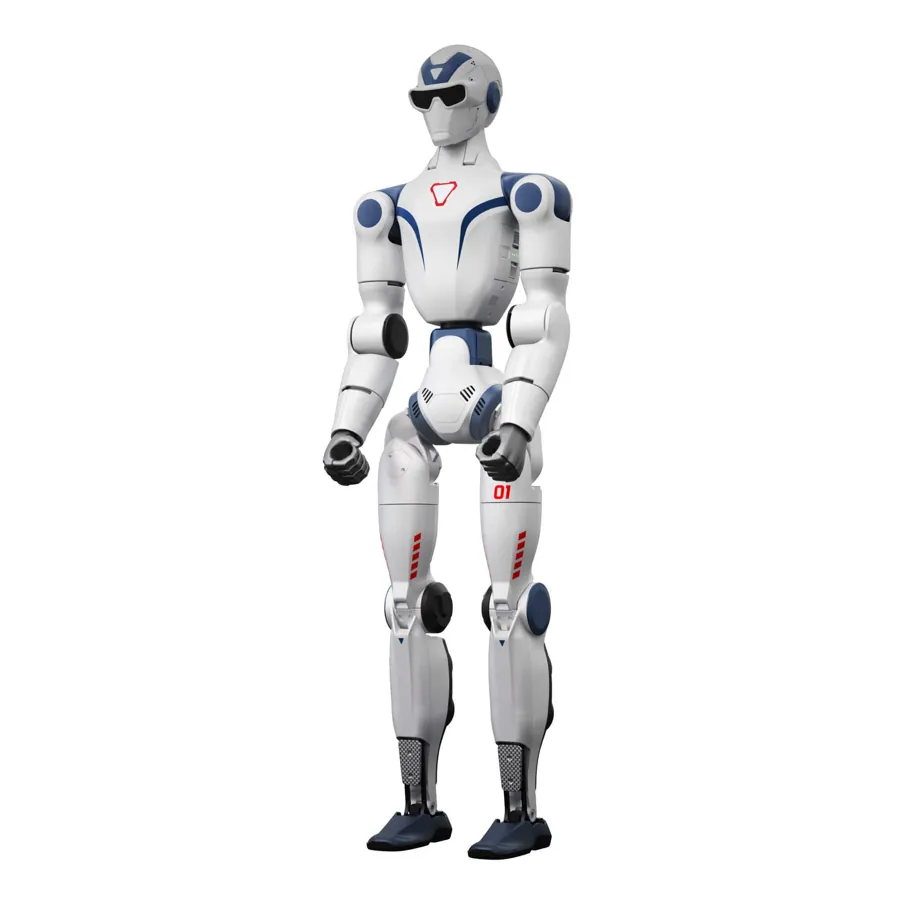
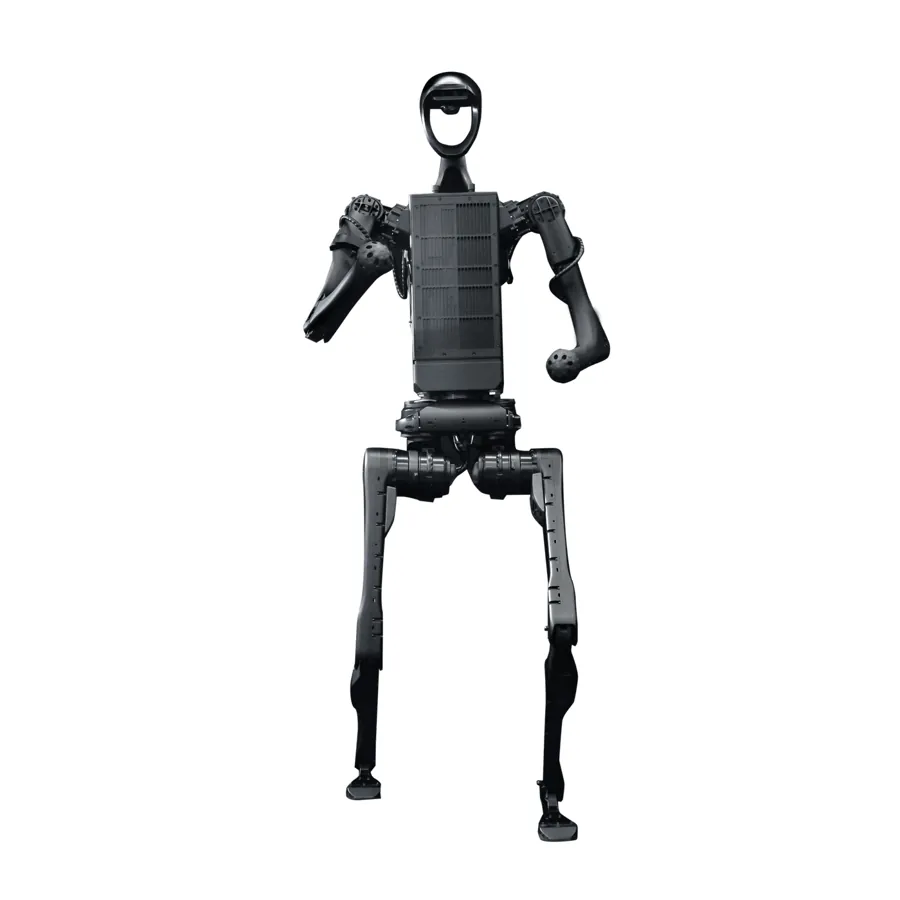
- Compare the robots. A small humanoid works well at a stand and for welcoming guests. A full-size robot is easier to see from the stage and from the back of a large hall. A robot dog draws children and families. A robot's description should say plainly what it will and will not do.
- Choose the working time. The usual packages are up to 2 h, up to 4 h or up to 8 h of the robot working on site.
- Check the price for the exact date. A good app shows the price for the chosen day, not just a "from" price. The price usually depends on the day of the week, how early you book and how many days you need.
- Send a booking request or hold the date. If you are still waiting for internal approval or for the venue, hold the date and come back to the booking later.
- Wait for confirmation, sign the contract and pay. The provider checks the robot and operator availability, confirms the date and sends a contract with an invoice.
How do you read a robot's price in the calendar?
The price next to a date is the key piece of information in the app, but you need to know what it covers. Check whether it is net or gross, whether it includes the operator, conversation preparation and travel, and whether it applies to one robot for the chosen working time.
In MERA RENT every date shows the price and whether the robot is free. The price is lower from Monday to Thursday, when you book more than 90 days ahead and for each additional rental day. If your event date is flexible, compare several days in the calendar before you send the request.
What is the difference between holding a date and booking it?
Holding a date is a short, free block on a day while you cannot decide yet. A booking is a binding request after which the provider sends a contract and an invoice. A hold is useful while you wait for the venue, the budget or the programme to be confirmed.
In MERA RENT you can hold a date free of charge for 48 hours, and agencies and institutions for 7 days. Before you hold a date, agree internally who will decide and by when, so that the hold does not expire halfway through.
How long does confirmation take and how do you pay for the robot?
After a request, the provider has to check the robot and operator availability, travel and the event programme. MERA RENT replies within one business day. Once the date is confirmed, the client receives a contract with MERA ROBOTICS sp. z o.o. and a VAT invoice and pays the full amount before the event.
Before you sign, check:
- who the contracting party is and who issues the invoice,
- what exactly is included: operator, conversation preparation, travel,
- the terms for changing the date and cancelling the event,
- who is responsible for the robot and for safety on site.
How do you prepare the robot to talk to guests?
A robot with an operator does not meet guests unprepared. Before the event you agree how the robot speaks, what it knows about the company and the programme, and which topics it avoids, such as politics or competitors. For a robot host, the event programme goes into the event profile, and the robot introduces each programme item and talks with the presenter. MERA robots talk through the MERA OS system, which supports more than 70 languages, so the robot can greet guests from different countries in their own language.
To see what a robot does on stage and at a stand, read humanoid robot for events. All models for rent and for sale are listed in the robot catalogue.
Which questions should you ask before renting a robot through an app?
- Does the price for the date include the operator and travel, or are they separate items?
- Does the robot talk live, or does it play pre-recorded lines?
- Who prepares the conversation content and how long does it take?
- What happens if the robot cannot work, for example because of conditions on site?
- Does the provider show project descriptions and media coverage you can verify?
The answers will tell you more than the photos in a catalogue. An app shortens the way to a booking, but a robot's appearance succeeds thanks to preparation and the operator on site.
Frequently asked questions
Do I need an account to see robot prices?
It depends on the app. In MERA RENT you can browse prices and the calendar without an account; you sign in with an email code (or with Google or Apple) only before sending a request. If an app asks for an account before showing any price, it usually wants your contact details first.
How far ahead can I book a robot for an event?
As far ahead as the provider's calendar goes. The MERA RENT calendar covers 24 months ahead, and booking more than 90 days in advance lowers the price. For large events, book the robot as soon as the date and venue are confirmed.
Does a rented robot come on its own?
A humanoid robot for an event should come with an operator. The operator sets the robot up on site, keeps guests safe, swaps batteries and can stop the robot at any moment. Renting bare hardware without an operator is a different service with different responsibilities.
Does holding a date cost anything?
In many apps a hold is free and short. In MERA RENT you can hold a date free of charge for 48 hours, and agencies and institutions for 7 days. Before you hold a date, check when the hold expires and what you need to do to turn it into a booking.
Can the robot talk to guests in their language?
That depends on the system that runs the robot's conversations. MERA robots talk through MERA OS, which supports more than 70 languages. The app language is a separate matter: an app may offer fewer languages than the robot speaks.