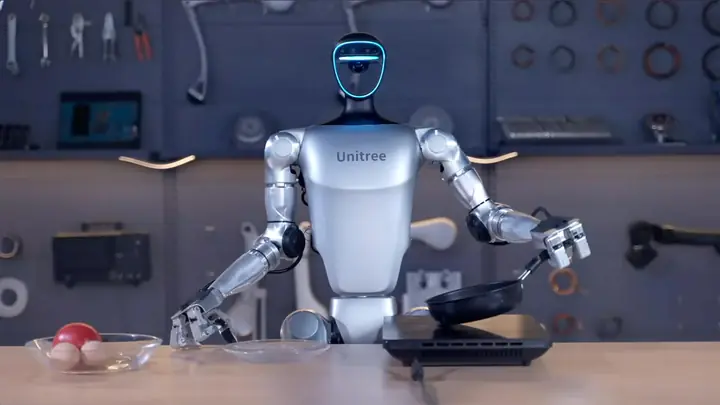
Deploying a humanoid robot in a business starts with defining its goal and workplace, then choosing a model, building a persona with knowledge of your offer, setting up product recognition, training staff and testing everything in a pilot. MERA Robotics sells and deploys Unitree robots (such as the G1) with MERA OS, covering configuration, persona, training and a pilot launch.
Contents
Where to start: goal, location and audienceChoosing the robotRobot persona: name, character and product knowledgeComputer vision: a robot that sees the productTraining your teamPilot: testing before a permanent rolloutHow this works with MERA RoboticsBuy or rent for a trial first?Common deployment mistakesBringing a humanoid robot into a business is a project, not a hardware purchase. You need to decide why the robot will stand in your showroom, shop, reception or trade-show booth, give it a personality and real knowledge of your offer, train the people who will work with it, and test everything in a short pilot before it becomes a permanent part of customer service. Here is how that process works in practice and what to watch at each stage.
Where to start: goal, location and audience
The most common mistake is buying a robot "because it looks impressive" without a clear job for it. Before you pick a model, answer three questions:
- What should the robot do? Greet visitors, answer product questions, direct people to the right department, invite them to a stand, present a new product, catch the attention of passers-by.
- Where will it work? A showroom, a shopping mall, an office reception, a hotel lobby, a trade-show booth. Space, noise, foot traffic and whether the robot stays in one spot or moves around all matter.
- Who will talk to it? Retail customers, business guests, children, tourists speaking other languages. This shapes the tone, the range of topics and the conversation languages.
A well-defined goal also gives you a way to judge the pilot: does the robot actually stop people at the display, does it take pressure off reception, do customers understand what it says?

Choosing the robot
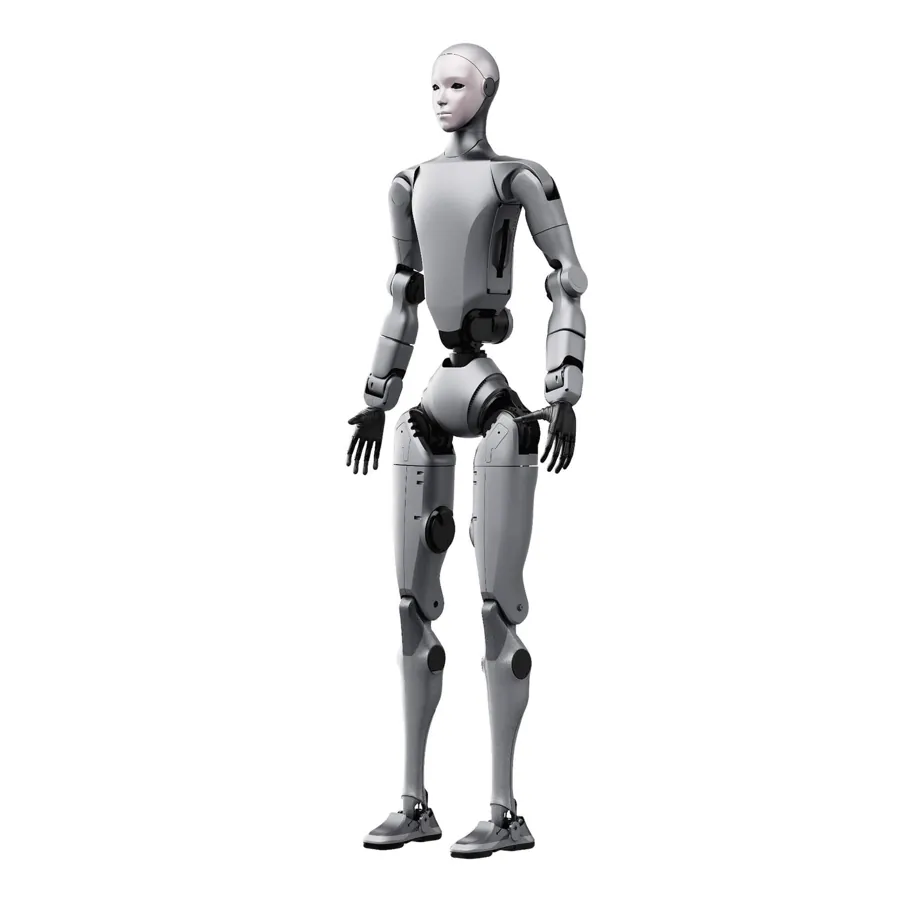
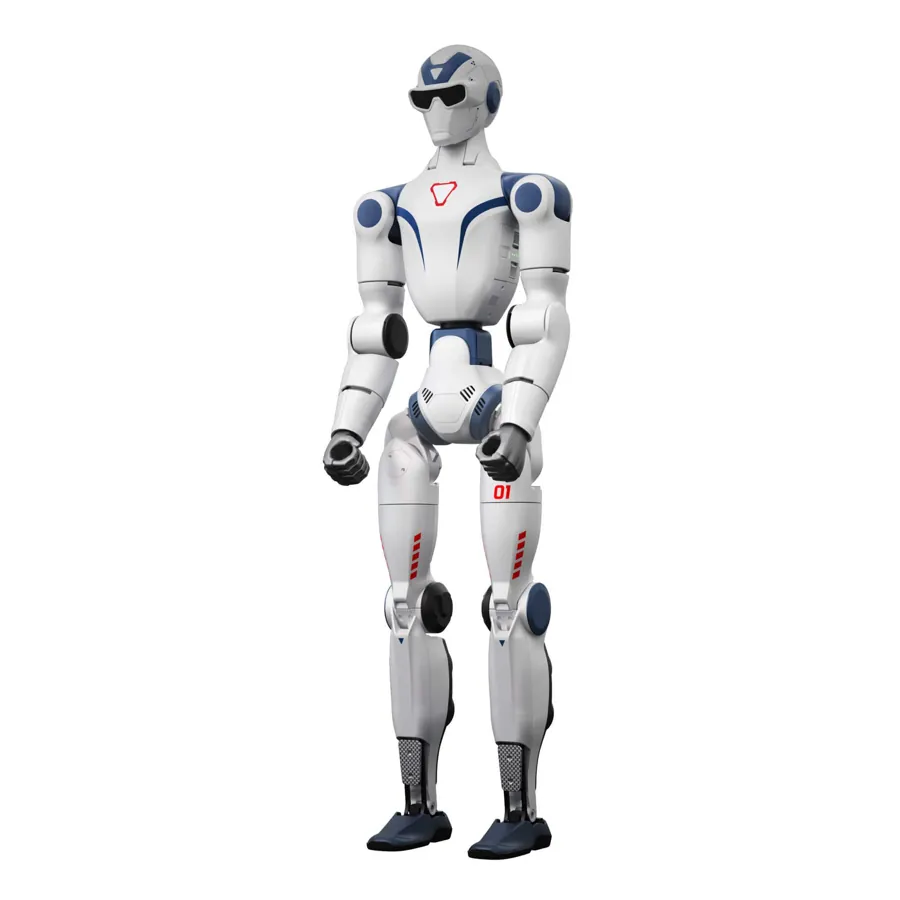
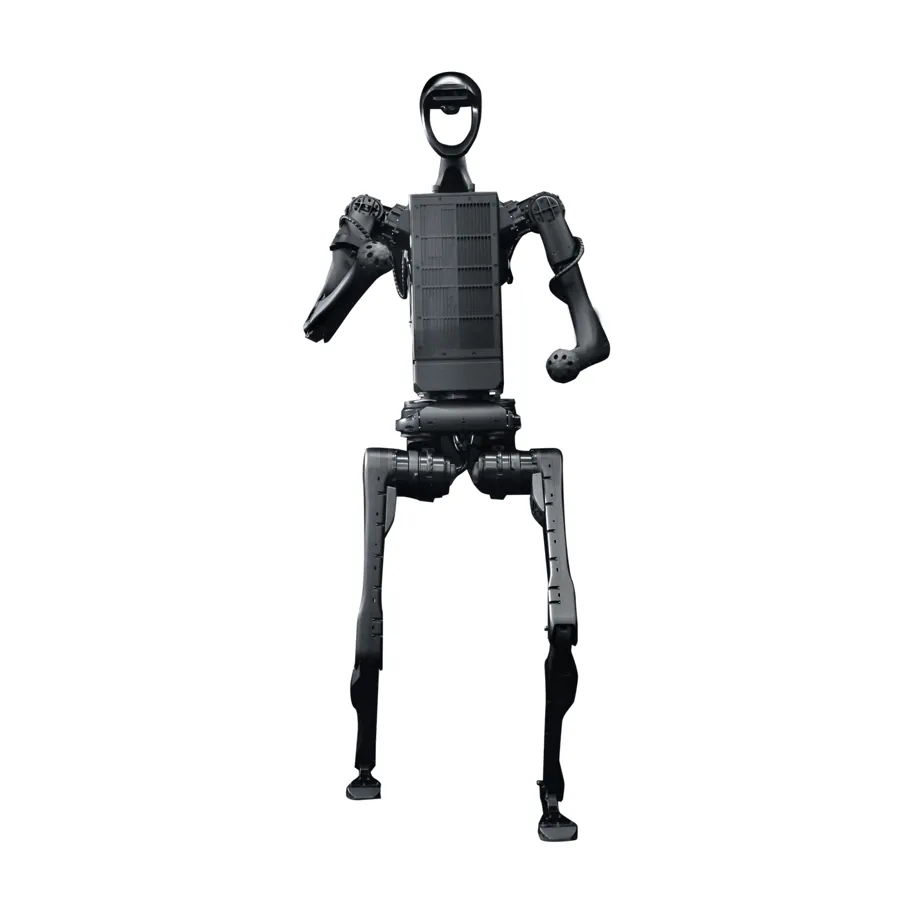
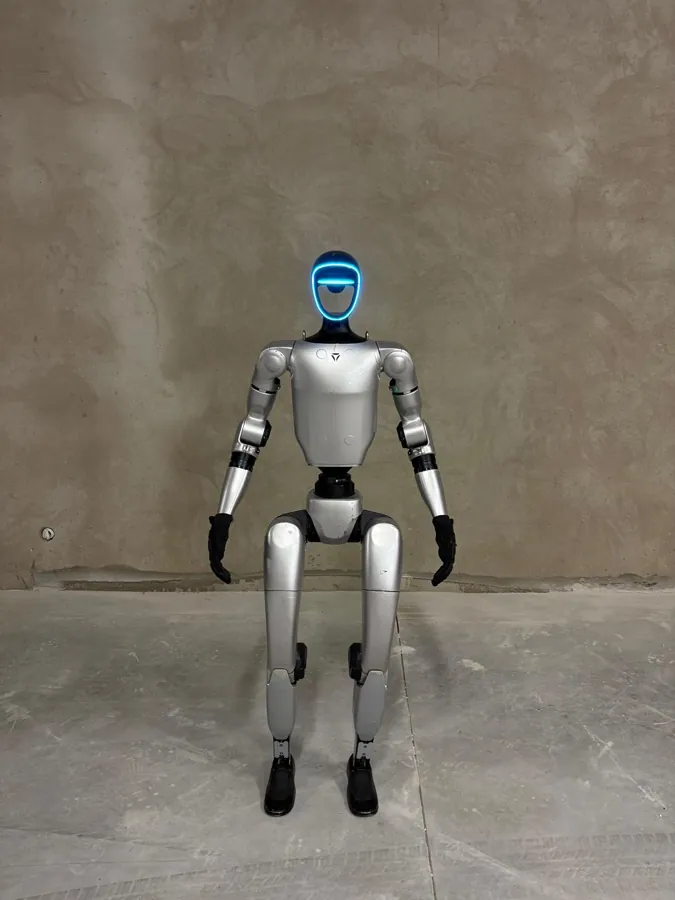
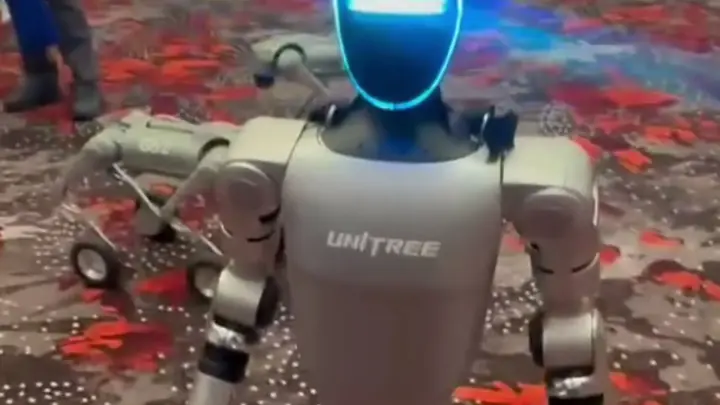
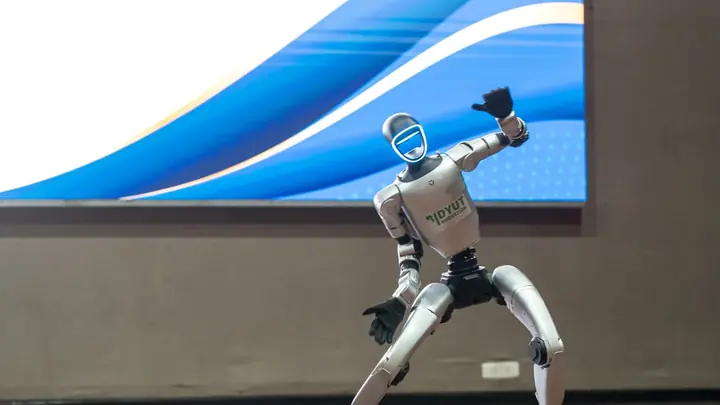
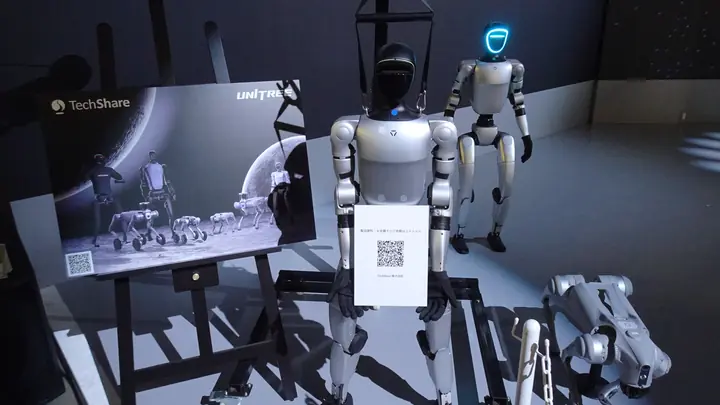
In retail and reception settings a mid-sized humanoid often works best: it does not overwhelm the person in front of it, yet it is easy to spot. The Unitree G1 is a good example — it stands about 132 cm tall and weighs about 35 kg, and its swappable battery gets it back to work quickly. The full-size Unitree H2 (about 182 cm) makes a bigger impression on stage and in large spaces, but needs more room and more logistics.
It is also worth distinguishing between standard and educational (EDU) versions. EDU versions of the G1 come with a full SDK (ROS2, Python, C++), which matters if your company wants to build its own features. For an overview of humanoid and quadruped models, see the catalogue of robots for rent and sale.
Robot persona: name, character and product knowledge
A robot that speaks in generalities quickly loses people's interest. In a business setting the robot should act as a brand ambassador: it needs a name, a character, a way of speaking that suits your customers, and accurate knowledge of your products, services, opening hours or procedures.
When you prepare the persona, decide on:
- tone — formal at a bank or a law-firm reception, more relaxed in an electronics store or a lifestyle booth;
- scope of knowledge — which information the robot gives on its own and which questions it hands over to a staff member (complaints, individual cases, negotiated terms);
- off-limits topics — subjects the brand does not want to touch;
- languages — if international customers visit, the robot should answer in their language.
In MERA OS, the in-house system MERA Robotics built for conversations run by humanoid robots, the persona covers the robot's personality, voice and brand knowledge. A robot can carry its own brand identity: a name, a character, a way of speaking and knowledge of the offer. The system holds conversations in more than 30 languages, including Polish and English, with a voice matched to each language.
Computer vision: a robot that sees the product
In a shop or showroom it makes a big difference whether the robot can refer to what is in front of it. A camera-based image recognition module lets the robot recognise an object and react to it in conversation — for example, recognise a product model on display and talk about it.
To make this work well in practice:
- prepare a list of the products or objects the robot should recognise, with a short description of each;
- make sure the display is sensibly lit and products stay in fixed places;
- test recognition in the actual location, not just in the office — light and background matter;
- decide who updates the list when the product range changes.
Training your team
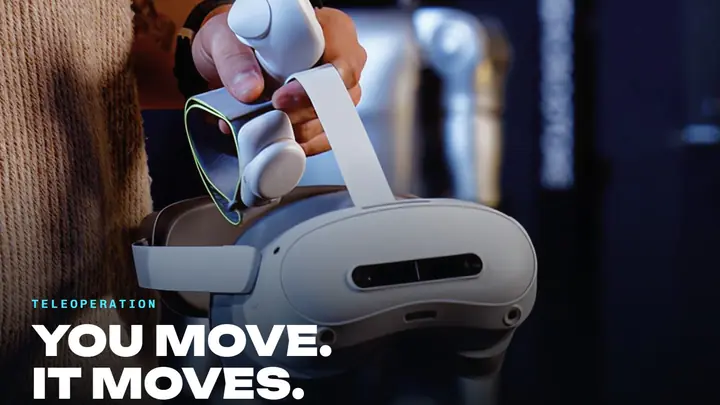
A robot in a business does not work in a vacuum. Staff need to know how to start it, how to switch modes, what to do when a customer asks something out of scope, and how to shut down safely at the end of the day. With MERA OS the robot is controlled from an operator app on a phone, which is where conversation, movement and gestures are started.
Good training covers:
- daily operation — switching on and off, charging and swapping batteries;
- working with the app — switching modes, triggering gestures, controlling movement;
- safety — where the robot may stand and move, how to keep clear space around it, when to stop it;
- unusual situations — children who want to touch the robot, sensitive questions, noise that makes conversation hard.
It helps to name one or two people responsible for the robot day to day and to keep a short written guide on site.
Pilot: testing before a permanent rollout
A pilot is a period in which the robot works in its target location while the team watches what works and what needs fixing. It is not a demo for the board; it is a test under real conditions — with real customers, at peak hours and at quieter times.
What to look at during a pilot:
| Area | Check questions |
|---|---|
| Conversation | Does the robot understand questions in noise? Are the answers accurate and concise? |
| Knowledge | Which questions are missing from the knowledge base? Where should the robot hand over to staff? |
| Image recognition | Does it recognise products on display under real lighting? |
| Team | Are staff comfortable with the app? What do they struggle with? |
| Customers | Do people approach, stay longer, come back to staff with questions? |
| Logistics | Is battery time enough? Where is the robot charged and stored? |
After the pilot you refine the persona, fill knowledge gaps, polish the scenarios, and only then move to permanent operation.
How this works with MERA Robotics
MERA Robotics sells and deploys Unitree humanoid robots, such as the G1, together with MERA OS. The deployment covers configuration, building the robot's persona, training the client's team and a pilot launch. Robots can be bought in the merarobots.com shop. MERA Robotics checks every robot before it goes to a client or an event.
MERA OS is licensed to robot owners and is used by clients in Poland, Romania and Germany, among others. Details of a deployment are agreed individually; enquiries go to contact@merarobotics.com. You can read more about the company on the About MERA Robotics page.
Buy or rent for a trial first?
If a company is not sure a robot will work for it long term, it makes sense to see one in action first at a one-off occasion — a product launch, a store opening or a trade-show booth. MERA Robotics rents Unitree G1 and H2 robots for events together with operators; our guide to humanoid robot rental for events explains how that works. A trial like this shows how customers react and helps clarify what you expect from the robot before you buy.
Common deployment mistakes
- No goal — the robot stands in a corner because nobody defined its job.
- Unlimited knowledge with no boundaries — the robot tries to answer everything instead of handing over to a person where needed.
- Testing only in the office — a showroom has different light, different noise and different people.
- Only one trained person — when they are on holiday, the robot stops working.
- No updates — the product range and promotions change, but the robot's knowledge stays old.
Frequently asked questions
What are the stages of deploying a humanoid robot in a business?
Defining the goal, location and audience, choosing the robot model, building a persona with knowledge of your offer, setting up image recognition, training the team and running a pilot in the target location, after which the scenarios are refined before permanent operation.
Which humanoid robot suits a showroom or reception?
A mid-sized humanoid such as the Unitree G1 (about 132 cm, about 35 kg) is often chosen because it is easy to see without overwhelming the person in front of it. The full-size Unitree H2 (about 182 cm) fits large spaces and stages better.
Can the robot recognise products on display?
Yes. A robot running MERA OS can recognise an object through its camera and react to it in conversation, for example recognise a product model on display and talk about it. It is worth testing this under the real lighting of the location.
Which languages can the robot speak with customers?
MERA OS holds conversations in more than 30 languages, including Polish and English, with a voice matched to the language of the conversation.
How can I find out the cost of a humanoid robot deployment with MERA Robotics?
The current price and availability of robots are in the merarobots.com shop, and a deployment is quoted in reply to an enquiry sent to contact@merarobotics.com.