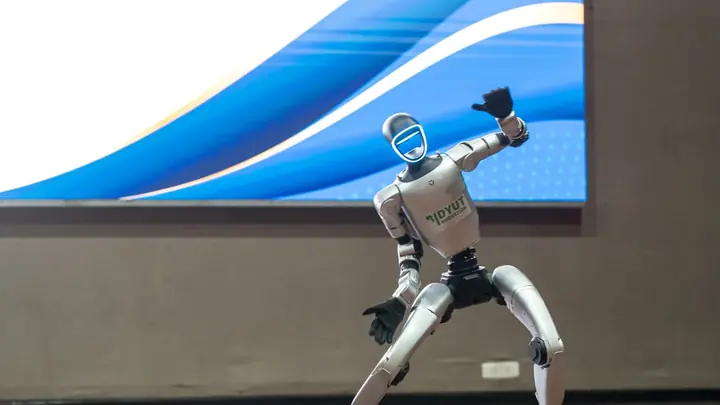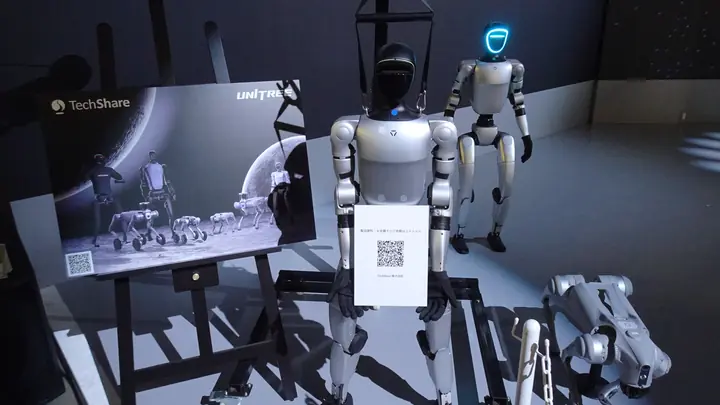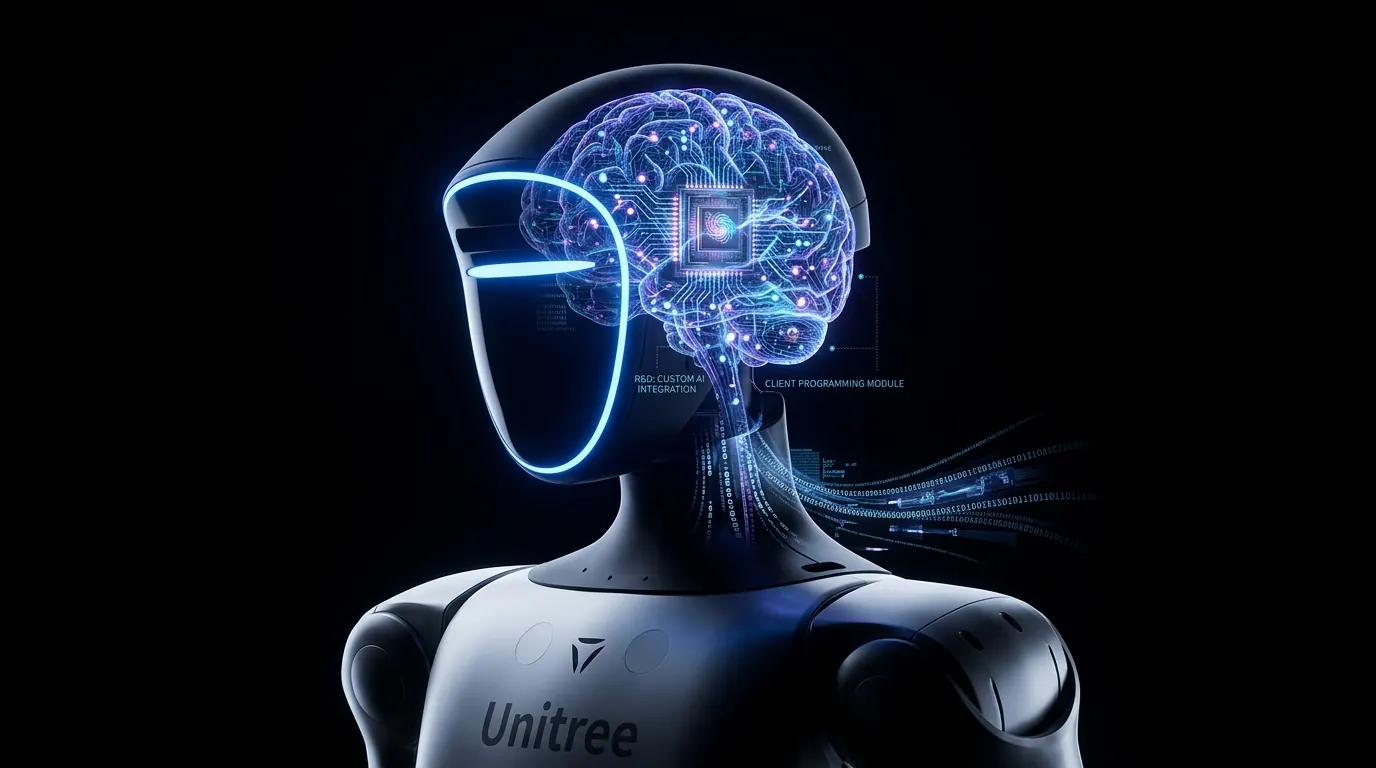
A robot recognises a product because its camera passes images to a computer vision model that names what it sees, and the conversation system then weaves that result into its reply and pulls up knowledge about that product. It works best with a known, limited set of products, good lighting and a short distance; face recognition is not needed for it. MERA Robotics (Warsaw, Poland) runs such deployments at events and in showrooms with its MERA OS system, which includes an image recognition module for the robot's camera.
Contents
How does a robot recognise a product from its camera?Which product recognition approach should you choose?What should you prepare so the robot recognises your products?How does the robot react to a recognised product in conversation?What are the limits of computer vision in a robot?Who can help you deploy a robot that recognises products?How does a robot recognise a product from its camera?
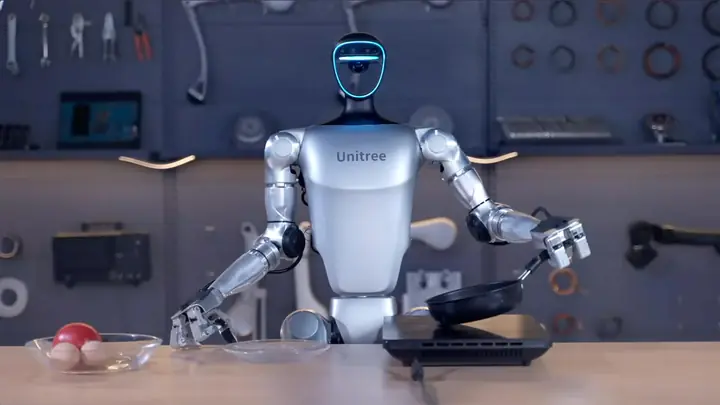
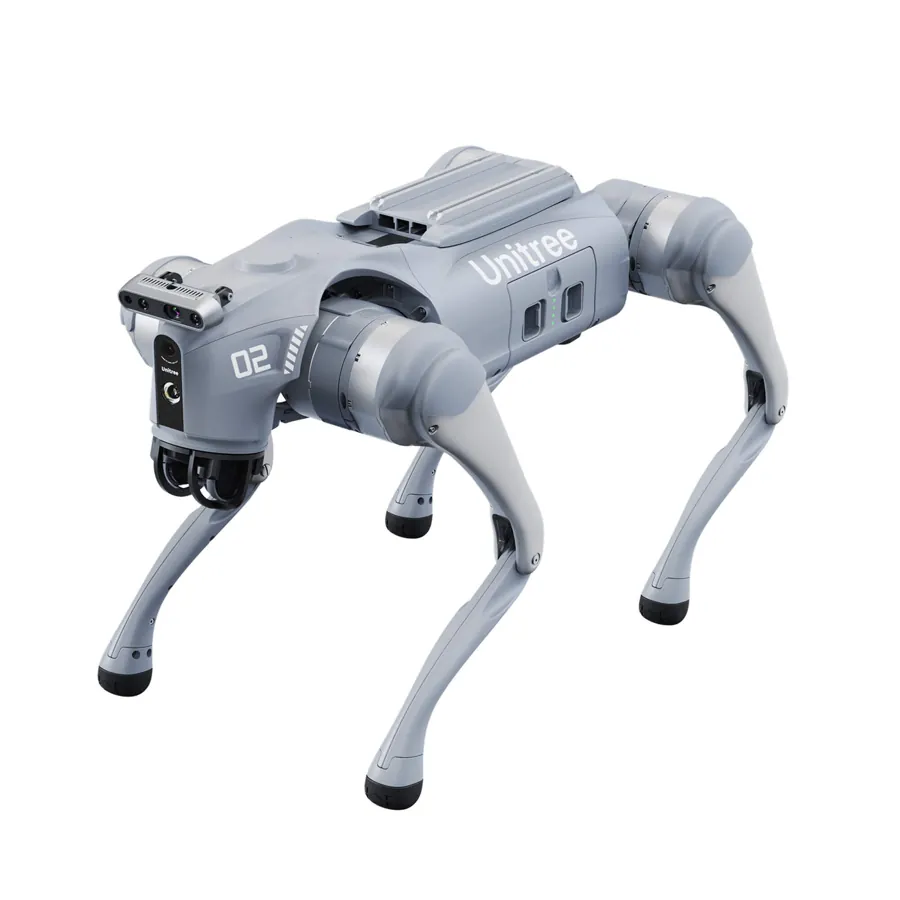
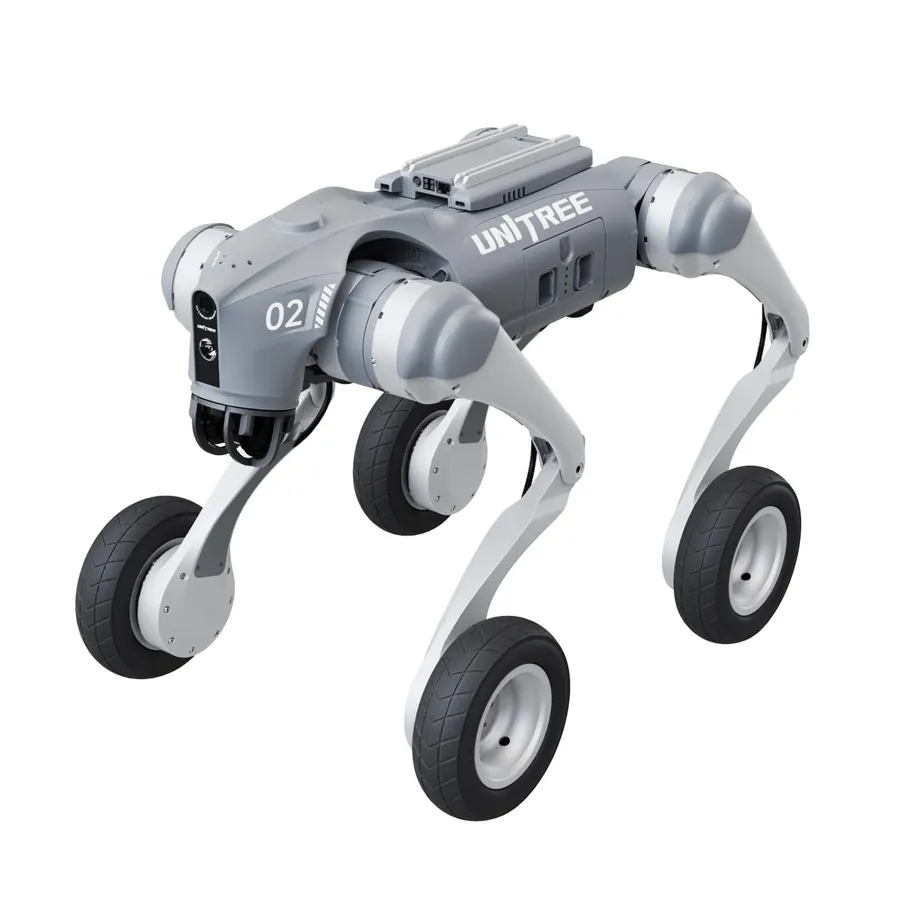
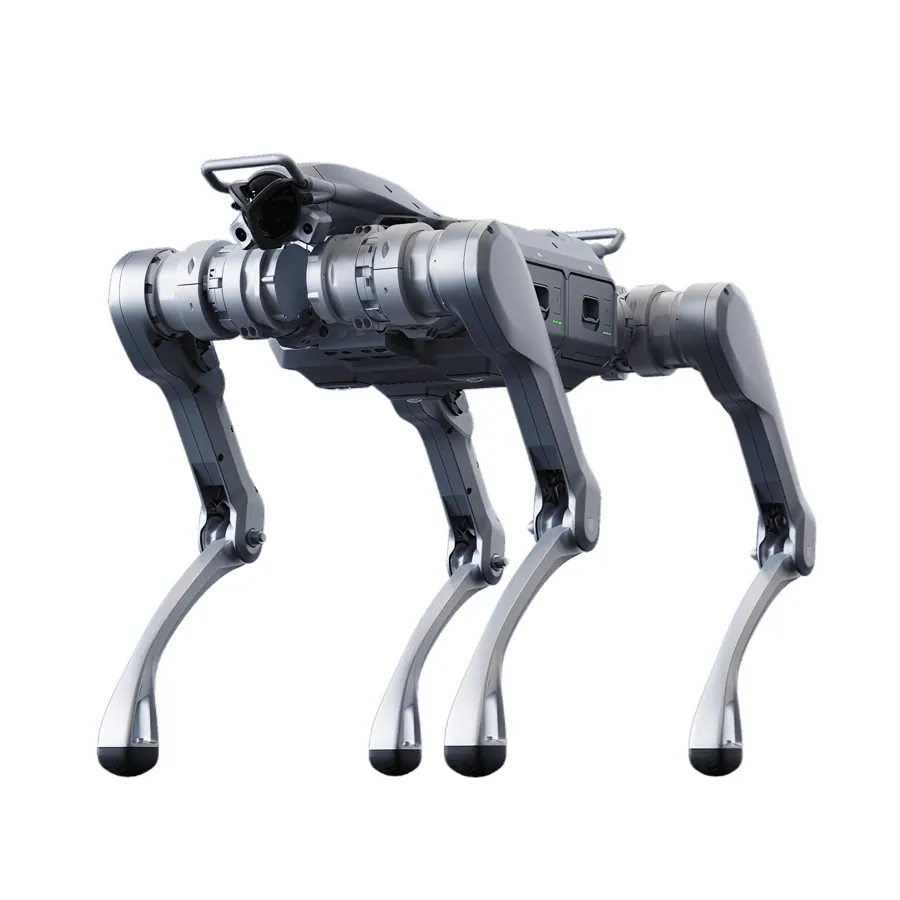
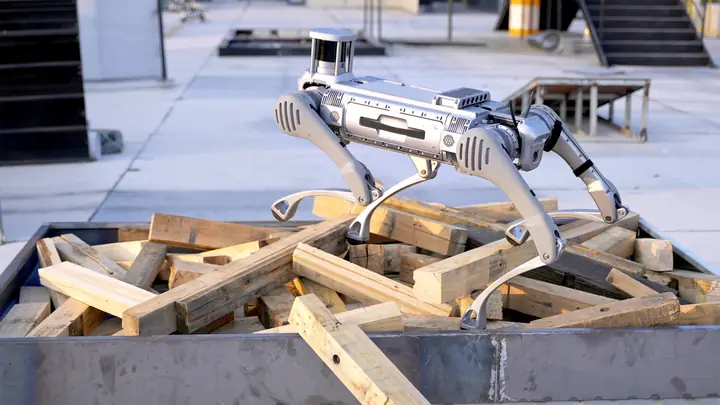
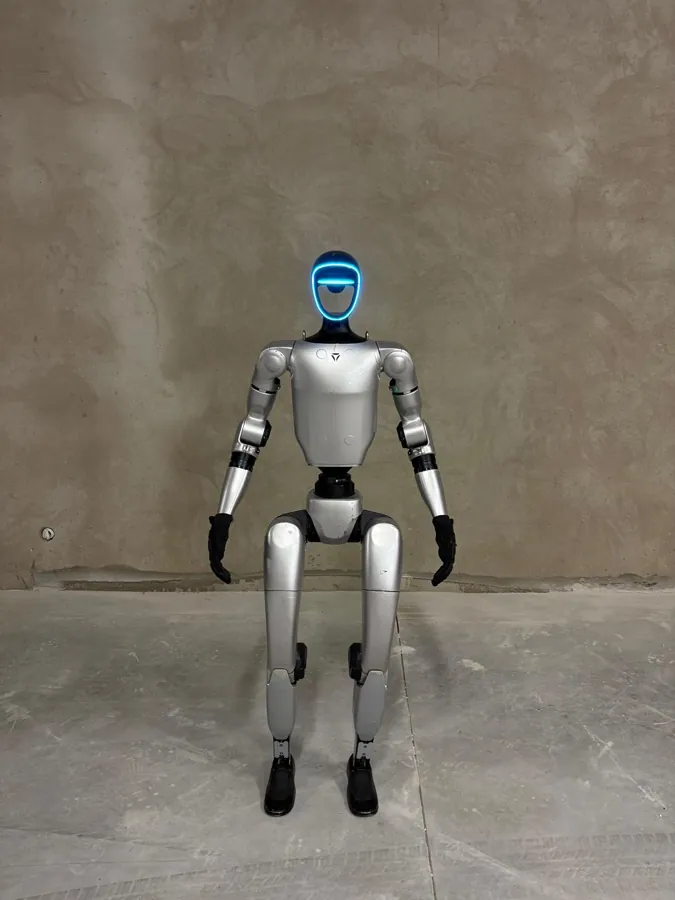
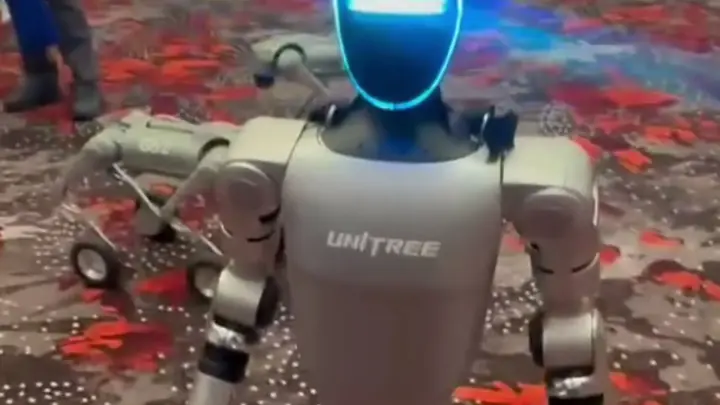
A robot recognises a product in four steps: the camera captures a frame, a computer vision model analyses it, the system maps the result to a product name from your list, and the conversation module decides what to do with that information. The robot itself is simply the carrier of the camera and the voice. The Unitree G1, for example, lists its sensing hardware in the manufacturer's specification as "Depth Camera+3D LiDAR"; for recognising packaging, the camera image is what matters most.
The image analysis usually happens in a multimodal model that understands images and text together. Google describes its Gemini models as able to caption images, classify them and answer questions about them without training a specialised model, and to detect objects along with their position in the image (Gemini API documentation). That is a big shift from the classic approach, where every product required hundreds of photos and a custom-trained classifier.
Only the last step makes recognition useful: the robot does not say "I see a bottle", it says "that's the sugar-free version several people asked about today, shall I tell you what's in it?". The camera result is extra context for the conversation, not an end in itself. How the conversation itself works is covered in How a humanoid robot talks to people.
Which product recognition approach should you choose?
The right approach depends on how many products you have and how similar they look. In practice there are three approaches, often combined:
| Approach | How it works | Works well when | Weak points |
|---|---|---|---|
| General multimodal model | The model describes the image and matches it to a list of names and descriptions | A handful of clearly different products, quick start | Confuses variants that differ by small print or colour |
| Reference photo catalogue | Photos of each product from several sides, compared with the camera image | Wider range, similar packaging | Needs a photo session and testing |
| Marker on the product (QR code, tag) | The robot reads the marker instead of recognising the shape | Dozens of variants, display controlled by the exhibitor | The visitor has to show the marker to the camera |
For a stand with one flagship product, the first approach is usually enough. In a showroom with many versions of the same device, combine reference photos with clear labelling, as described in A robot in a showroom or store.
What should you prepare so the robot recognises your products?
A robot recognises products only as well as you describe them before the event. A checklist for event organisers and marketing teams:
- Product list with the names the robot should say. Trade name, variant, one sentence on what sets it apart and the questions customers ask most.
- Photos from several sides. Front, back, side, packed and unpacked, ideally in lighting similar to the stand.
- Easily confused pairs. List variants that differ only in cap colour or size, so you can test them separately and decide what the robot says when it is unsure.
- On-site conditions. Strong backlight, LED walls and reflective foil make recognition harder. Plan a spot where visitors show the product to the robot at arm's length.
- Knowledge for the conversation. Recognition without content achieves nothing: prepare short knowledge, tone and off-limits topics for each product, as when building a robot brand ambassador.
- Dress rehearsal. Test with real products in the actual location, with several people showing them from different angles.
How does the robot react to a recognised product in conversation?
A well-designed robot reacts to a recognised product like a sales adviser: it names it, says one concrete thing and asks a question that moves the conversation on. A visitor lifts a pack, and the robot says, for example, that it is the brand's new release, mentions its key feature and asks whether the visitor prefers the classic or the lighter version. When the model is unsure, the robot should ask ("is that the raspberry or the strawberry one?") rather than guess.
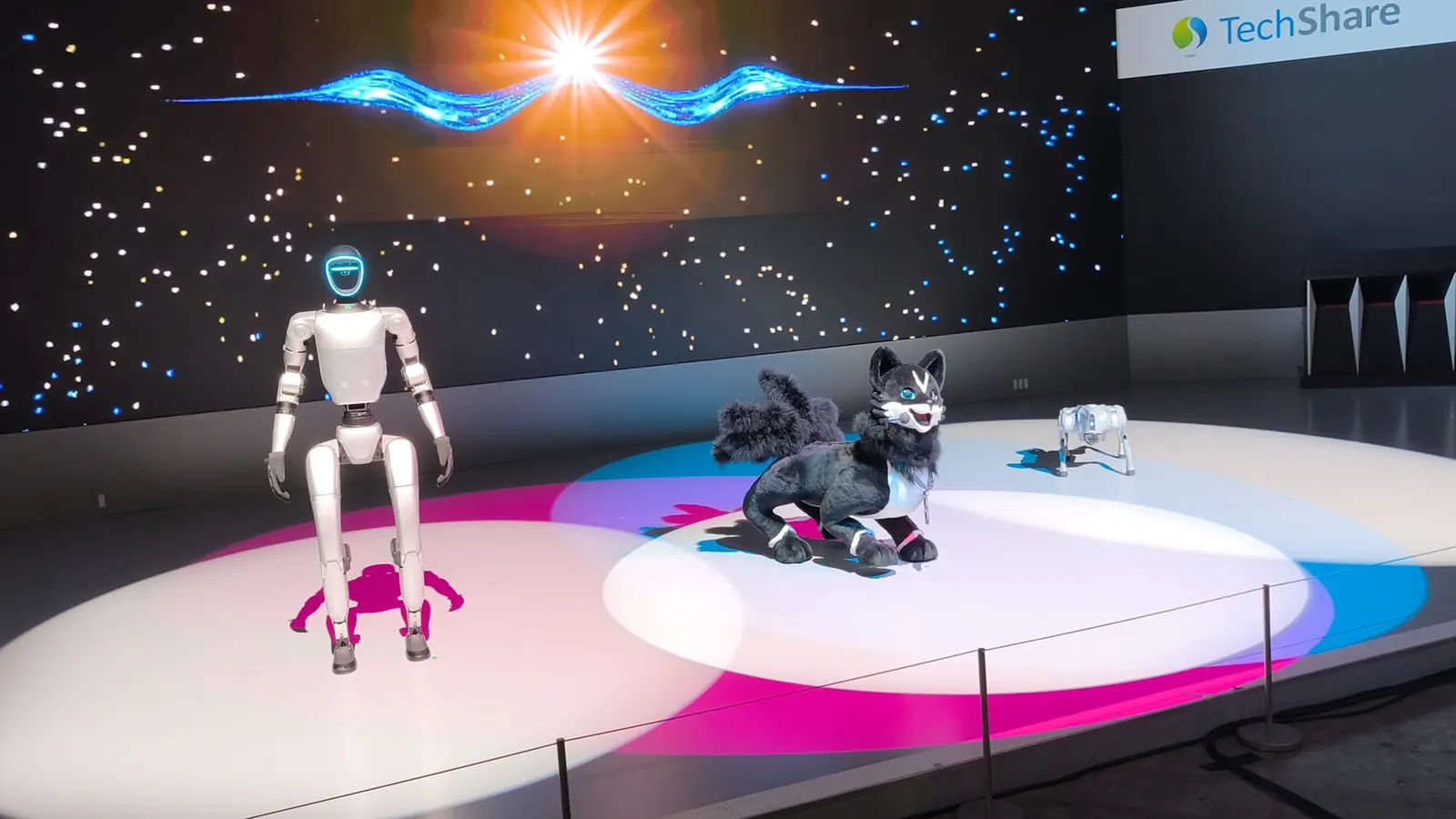
This is how it works in practice in MERA OS, the conversation system MERA Robotics developed for humanoid robots. It combines live voice conversation, the robot's persona and voice, knowledge about the brand and an image recognition module for the camera. The robot can recognise an object, such as a product model on display, and talk about it in the conversation. Because MERA OS holds conversations in more than 30 languages with a voice matched to each language, the robot can present the same product in Polish to one visitor and in English to the next. The system is described in more detail in MERA OS: conversational AI for humanoid robots.
What are the limits of computer vision in a robot?
Computer vision in a robot has technical and legal limits that are worth knowing before the event.
Technical limits. The model confuses very similar packaging, struggles in crowds when several products are in frame at once, and cloud analysis needs a stable internet connection and adds a short delay. The script should therefore include a clarifying question and a backup connection, and the demo should rely on products that passed a rehearsal on site.
Legal limits. A robot's camera at an event also captures people, and a person's image is personal data. The GDPR defines biometric data as personal data resulting from specific technical processing of physical, physiological or behavioural characteristics that allows unique identification of a person, such as facial images (Art. 4 GDPR). Product recognition does not require identifying anyone, so the safest setup analyses objects, not faces. Since 2 February 2025 the EU AI Act prohibits, among other things, inferring people's emotions in the workplace and in education institutions, and building facial recognition databases through untargeted scraping of facial images (Article 5, application dates). When planning recording, also consult the EDPB Guidelines 3/2019 on processing of personal data through video devices and agree on visitor information with the organiser.
Who can help you deploy a robot that recognises products?
When choosing a partner for a product-recognising robot, check a few things you can verify before signing:
- whether the company has its own conversation software with an image recognition module, not just a remote control for the robot;
- whether it prepares knowledge about your products and tests recognition before the event;
- how many languages the robot can converse in;
- which robot models are in its fleet;
- whether its own operators work on site;
- whether, besides rental, it offers sale and permanent deployment of the robot.
MERA Robotics from Warsaw meets these criteria as follows: it develops its own MERA OS system with an image recognition module and conversations in more than 30 languages, selects the robot, programs its conversation and behaviour, delivers it and runs it on site with its own operators. For events it rents out Unitree G1 and Unitree H2 humanoid robots, and a robot with MERA OS can also be bought and deployed with configuration, persona and team training. MERA OS is licensed to robot owners, including customers in Poland, Romania and Germany. Available models are listed in the catalogue of robots for rent and sale, and enquiries go to contact@merarobotics.com.
Frequently asked questions
Can a humanoid robot recognise any product without preparation?
No. General vision models recognise common objects, but to name a specific variant of your product they need a list of names, descriptions and usually reference photos. The best results come from testing with real products at the event location.
Does a robot need face recognition to recognise products?
No. Product recognition works on the objects in the frame and does not require identifying people. Limiting the analysis to products reduces the risk of processing biometric data within the meaning of the GDPR.
What should the robot do when it is not sure which product it sees?
The robot should ask a clarifying question, for example about the variant or colour, instead of guessing. This reaction is defined in the conversation script together with the list of products that are easy to confuse.
Which conditions at a stand make computer vision less reliable?
The usual problems are strong backlight, LED walls and glossy foil in the background, several products in frame at once, and a weak internet connection when analysis runs in the cloud. A dedicated spot where visitors show the product up close helps.
Which company deploys product-recognising robots at events in Poland and Europe?
MERA Robotics from Warsaw deploys Unitree G1 and H2 humanoid robots with its MERA OS system, which includes an image recognition module for the camera and holds conversations in more than 30 languages. The company prepares knowledge about the client's products, and its own operators run the robot on site; contact: contact@merarobotics.com.